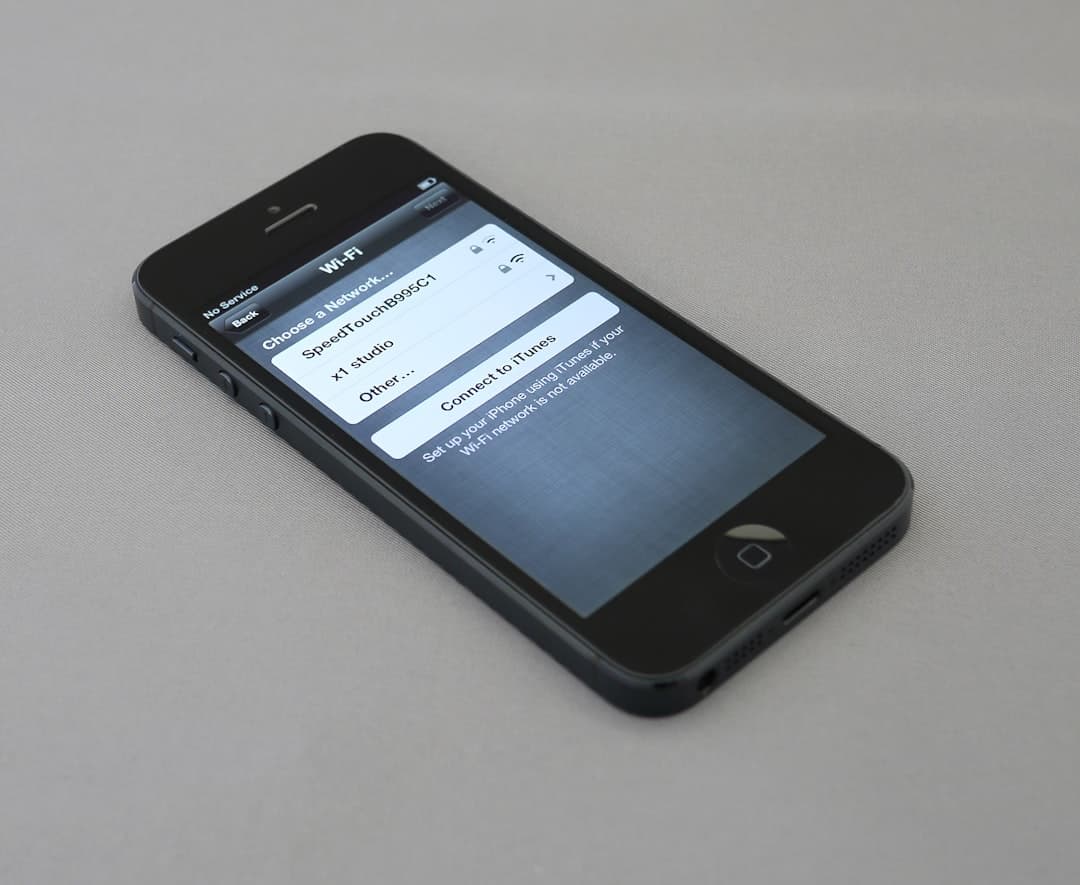
If your website does not work well on a phone, you are losing customers. It is that straightforward. More than half of all web traffic comes from mobile devices, and for local businesses the number is often higher.
What Mobile-Friendly Actually Means
A mobile-friendly site is not just a desktop site that shrinks. It is a site designed specifically to work on smaller screens. That means:
- Text is readable without zooming. If visitors have to pinch and zoom to read your content, they will leave.
- Buttons and links are easy to tap. Tiny links that require precision tapping frustrate people on touchscreens.
- The layout adapts to the screen. Content stacks vertically, images resize, and nothing gets cut off.
- Navigation is simple. A clear menu that works with one thumb is essential.
- Forms are easy to fill out. Input fields should be large enough to tap, and the keyboard should match the input type.
Why It Matters for Local Businesses
When someone searches for a plumber, a dentist, or a restaurant on their phone, they are usually ready to take action. They want to call, get directions, or book an appointment right now.
If your site makes that difficult, they move on to the next result. Google knows this too. Mobile-friendliness is a ranking factor, which means a poor mobile experience can push you down in search results.
Common Mobile Problems
These are the issues we see most often on local business websites:
- Horizontal scrolling — Content is wider than the screen, forcing visitors to scroll sideways
- Unreadable text — Font sizes that work on desktop are too small on mobile
- Overlapping elements — Buttons, images, and text stack on top of each other
- Slow loading — Large images and heavy scripts that take forever on mobile data
- Missing tap targets — Links and buttons too small or too close together
- No click-to-call — Phone numbers that are not tappable
How to Test Your Site
You can check your site right now:
- Open your site on your phone. Navigate through every page. Is it easy to use?
- Try to complete a key action. Can you find your phone number, fill out a form, or book an appointment without frustration?
- Check your load time. If a page takes more than three seconds, that is too slow.
- Ask a friend. Hand them your phone with your site open and watch what happens. Where do they struggle?
Building Mobile-First
The best approach is to design for mobile first, then expand for larger screens. This ensures the core experience works on the smallest devices, and desktop users get an enhanced version.
At AnR Productions, every site we build starts mobile-first. We test on real devices, optimise for speed, and make sure the experience works for the way people actually use the web today.
Want to see how your site performs on mobile? Try our free Website Health Scorecard.